Master professional workflows and combine multiple AI tools for exceptional results.
Advanced strategies for creating professional-quality music with AI tools.
While basic AI music tools can produce impressive results on their own, the true power of AI music production emerges when you combine multiple tools in sophisticated workflows. This tutorial explores advanced techniques that professional producers use to create exceptional music with AI assistance.
We'll cover strategies for integrating different AI tools, fine-tuning AI-generated content, and developing hybrid workflows that combine AI capabilities with traditional production techniques. These approaches will help you move beyond basic AI generation to create truly unique and professional-quality music.
Whether you're looking to enhance your creative process, overcome specific production challenges, or simply push the boundaries of what's possible with AI music tools, these advanced techniques will expand your production toolkit and inspire new creative directions.
Combine multiple AI outputs to create rich, complex compositions.
One of the most powerful advanced techniques in AI music production is layering multiple AI-generated elements to create compositions with greater depth, complexity, and uniqueness. Rather than relying on a single AI tool to generate a complete track, this approach uses different specialized tools to create individual components that are then combined.
Begin by using an AI music generator to create the harmonic foundation of your track. This might include chord progressions, bass lines, and basic melodic elements. Tools like Compeller.ai excel at generating these foundational elements with coherent musical structure.
Next, use instrument-specific AI tools to generate additional layers. For example:
If your composition includes vocals, use AI voice synthesis or voice cloning tools to create vocal elements. This might include:
Import all AI-generated elements into your Digital Audio Workstation (DAW) and begin the critical process of blending and balancing. This is where your human expertise becomes essential:
Create intentional contrast between AI-generated layers by using different tools with distinct "personalities." For example, combine mathematically precise drum patterns with more organic, variable melodic elements to create interesting tension.
Generate a complete track with one AI tool, then selectively replace elements with outputs from specialized tools. This maintains overall coherence while enhancing specific aspects of the composition.
Build your composition progressively, using each new AI-generated layer as inspiration for the next. This creates a more organic development process where each layer responds to what came before.
Professional producer Alex Chen created a track using five different AI tools in combination:
The result was a track with the coherence of human-directed production but with unique elements that would have been difficult to create using conventional methods alone.
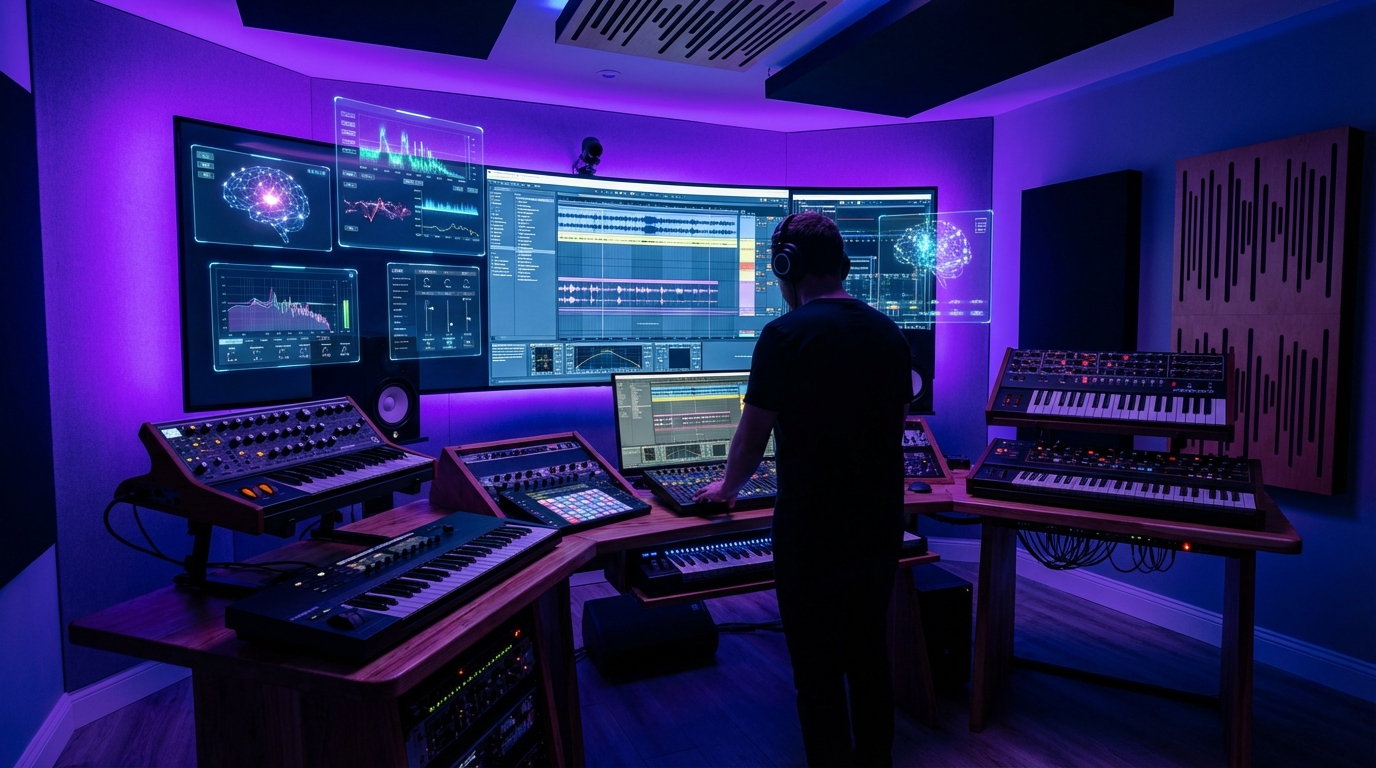
Create unique sonic textures and instruments using AI tools.
Advanced AI music production goes beyond using stock sounds or presets. With AI-assisted sound design, you can create unique sonic textures and virtual instruments that set your music apart. This technique leverages AI's ability to generate and transform audio in ways that would be difficult or impossible with traditional methods.
Neural audio synthesis uses AI models to generate entirely new sounds based on training data. These tools can create sounds that exist somewhere between familiar instruments, resulting in unique timbres that still have musical coherence.
Key techniques include:
This approach uses AI to transform existing sounds into new forms while maintaining some characteristics of the original. It's particularly useful for creating variations on your own recorded material or samples.
Effective transformation techniques include:
AI can help explore vast parameter spaces in synthesizers and effects, discovering interesting combinations that might be overlooked in manual exploration.
Implementation approaches:
One powerful application is creating hybrid instruments that combine characteristics of multiple sound sources:
AI excels at creating evolving ambient textures that add depth to productions:
Create unique percussion sounds that go beyond standard drum samples:
Several AI platforms offer advanced sound design capabilities:
Leverage AI to achieve professional-quality sound in your productions.
Mixing and mastering are critical stages in music production that can make the difference between an amateur-sounding track and a professional release. Advanced AI tools now offer sophisticated assistance in these areas, helping producers achieve polished results more efficiently and with greater precision.
Modern AI mixing tools can analyze individual tracks and identify potential issues:
One of the most powerful AI mixing approaches uses reference tracks to guide the process:
AI tools excel at creating and enhancing spatial dimensions in your mix:
Rather than using a single AI mastering tool, advanced producers often use a multi-stage approach:
Advanced AI mastering tools can adapt to different genre requirements:
For maximum control, consider AI-assisted stem mastering:
The most effective approach combines AI tools with traditional processing:
Develop a systematic approach to comparing AI-processed results:
A step-by-step process combining multiple advanced techniques.
The following workflow integrates all the advanced techniques covered in this tutorial into a comprehensive production process. This approach has been refined by professional producers who work extensively with AI music tools.
Begin with a clear creative direction before involving AI tools:
Use AI to create the foundational elements of your track:
Apply AI sound design techniques to create unique sonic elements:
Combine and arrange your AI-generated elements:
If your track includes vocals, integrate them at this stage:
Apply advanced AI mixing techniques:
Finalize your track with advanced AI mastering:
Before releasing, perform thorough quality checks:
Real-world examples of professional producers using advanced AI techniques.
Producer Maya Chen created a chart-topping dance track by combining AI-generated rhythmic patterns with custom sound design. She used Compeller.ai to generate the core beat, then applied neural audio synthesis to create unique bass sounds that became the track's signature element.
Key techniques: Layering multiple AI rhythm generators, neural synthesis for custom sounds, AI-assisted arrangement.
Read Full Case Study →Film composer James Rodriguez used AI tools to meet a tight deadline for an independent film score. He generated orchestral foundations with AI, then enhanced them with custom performances and AI mixing. The result was a professional orchestral score completed in one-third the usual time.
Key techniques: AI orchestration, hybrid human/AI performance, reference-based mastering.
Read Full Case Study →Pop producer Sarah Johnson used AI voice cloning to create complex backing vocal arrangements for a solo artist. By cloning the artist's voice and processing it in different ways, she created the impression of a full vocal ensemble while maintaining timbral consistency.
Key techniques: AI voice cloning, vocal processing chains, spatial arrangement of vocal layers.
Read Full Case Study →Tools, courses, and communities to further develop your AI music production skills.
Advanced AI music production tools that support the techniques covered in this tutorial:
In-depth training on advanced AI music production techniques:
Connect with other producers using advanced AI techniques:
Start creating professional-quality music with Compeller.ai's comprehensive suite of AI music tools. Get access to all the advanced features covered in this tutorial with a forever free account.
Try Compeller.ai Free